

TurboCAD® vs. AutoCAD®: Unleashing Exceptional Value with TurboCAD®
Introduction:
In the world of computer-aided design (CAD), choosing the right software can significantly impact your productivity, creativity, and budget. While AutoCAD® has long been a standard in the industry, TurboCAD® emerges as a compelling alternative, offering exceptional value and a suite of advanced features. Let's delve into why TurboCAD® is worth considering over AutoCAD®, especially for those seeking a cost-effective yet powerful CAD solution.
1. Affordable Pricing with Multiple Options:
A standout advantage of TurboCAD® is its pricing structure. Starting at just $69, TurboCAD® provides an array of options catering to different budgets and needs. This competitive pricing is a significant draw, especially for independent designers, small businesses, or anyone looking to minimize software costs without compromising on functionality.
2. Perpetual License Option:
In an era where subscription models are becoming the norm, TurboCAD® offers a refreshing alternative with its perpetual license option. This means you can own the software outright, a boon for those who prefer a one-time investment over recurring subscription fees, as is the case with AutoCAD®.
3. Founding Member of OpenDWG - Ensuring DWG Compatibility:
TurboCAD®'s status as a founding member of OpenDWG underscores its commitment to DWG compatibility. This is crucial for seamless collaboration and file sharing, as DWG is a widely used format in the CAD industry. Users can confidently work on projects knowing that TurboCAD® handles DWG files efficiently and reliably.
4. Advanced Architectural Tools:
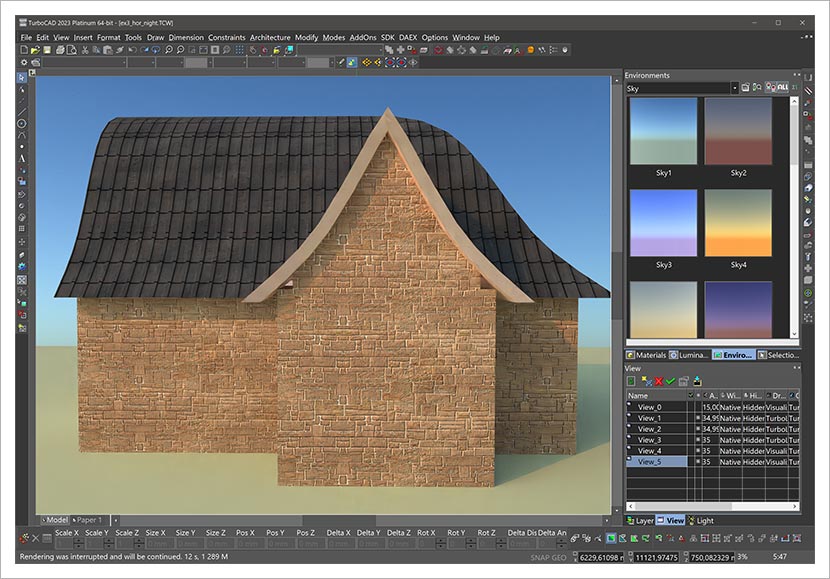
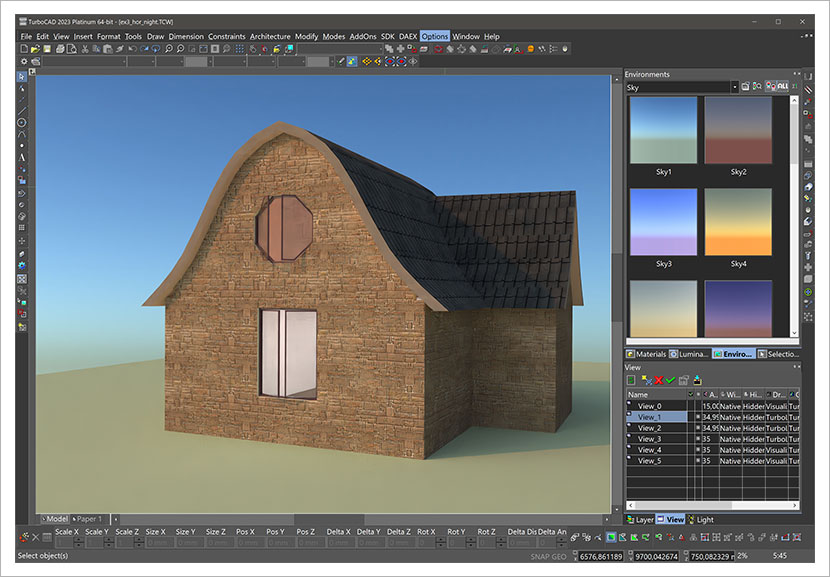
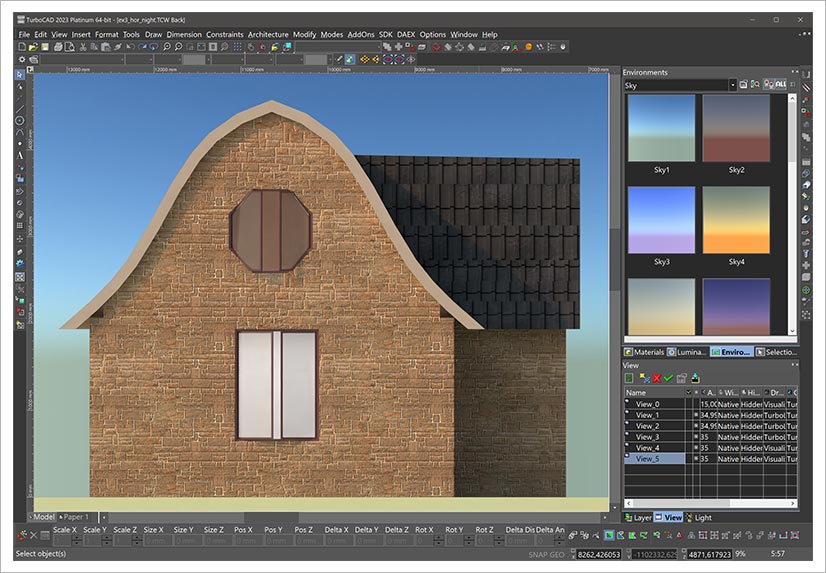
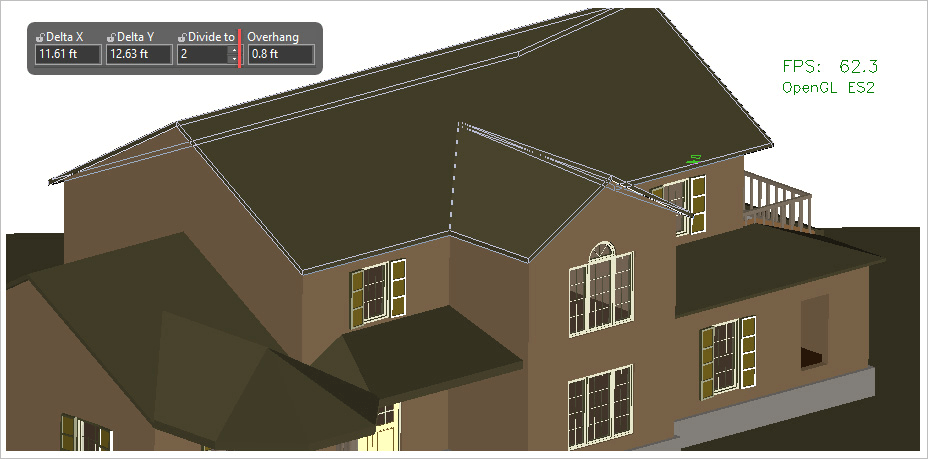
TurboCAD® shines in architectural drafting with tools specifically designed for this purpose. Unlike AutoCAD®, which offers basic multi-lines for walls and dynamic blocks for doors and windows, TurboCAD® goes further. It includes smart objects for creating and editing walls, adding window and door openings, and designing roofs. These tools automate tedious tasks like cleaning up intersections and orienting symbols, streamlining the architectural design process.
5. Robust Mechanical Tools:
In the realm of mechanical design, TurboCAD® again outpaces AutoCAD® by offering a more extensive suite of tools for both 2D and 3D modeling. This includes the Parts Tree palette for editable history trees of 3D operations, allowing for intricate changes to chamfers, fillets, Boolean operations, and more. The ability to deform facets of solid models adds another layer of sophistication to your mechanical design projects.
6. Customizable User Interface for Smooth Transition:
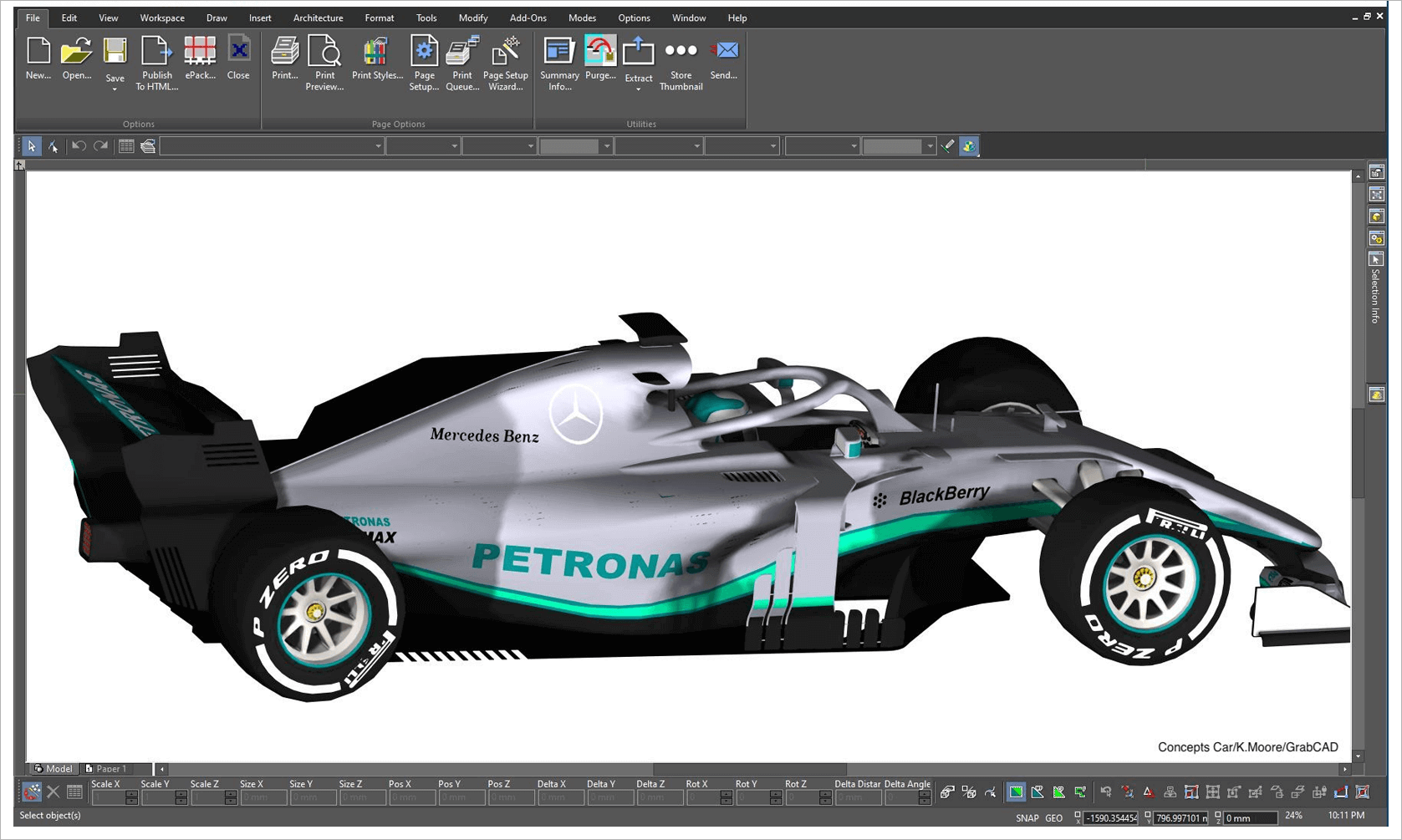
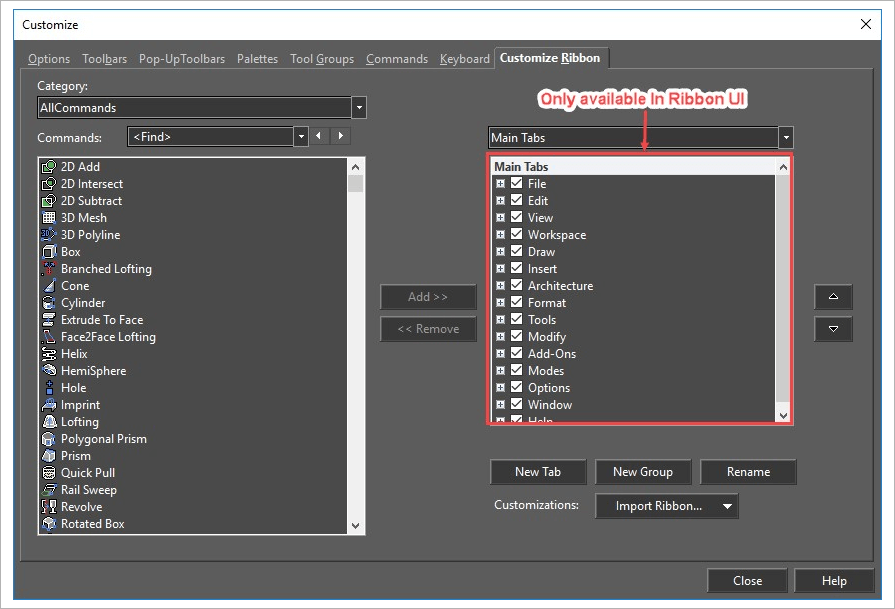
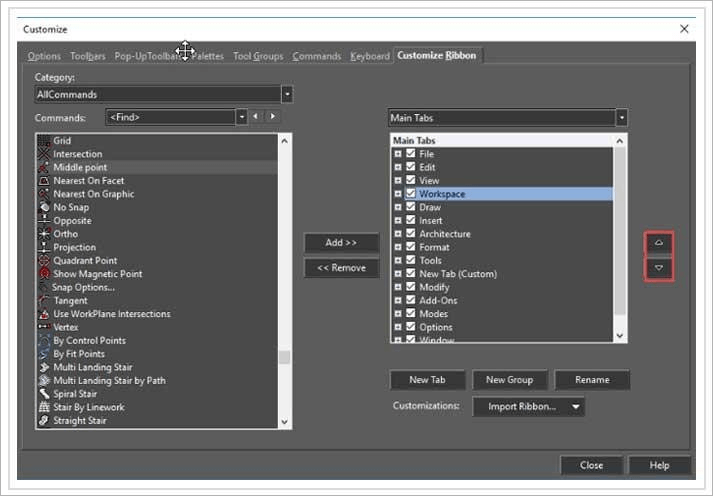
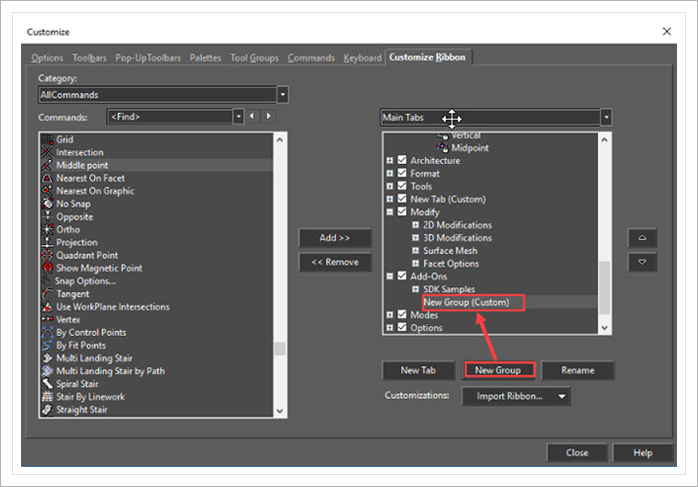
Transitioning to a new CAD platform can be challenging, but TurboCAD® eases this with its customizable user interface. It mirrors many elements of AutoCAD®'s interface, making the switch smoother for AutoCAD® users. The familiar layout of menus, toolbars, and scroll bars reduces the learning curve, ensuring a comfortable and efficient adaptation to TurboCAD®'s environment.
7. Free Trials: Test Drive TurboCAD®'s Capabilities at No Cost
One of the most user-friendly features of TurboCAD® is the availability of free trials for its software. This is a fantastic opportunity for users to explore and experience the full range of TurboCAD®'s capabilities without any initial investment. The free trial period allows you to delve into the software's advanced tools, test its compatibility with your projects, and evaluate its user interface to see how it fits into your workflow. This risk-free exploration is especially beneficial for those who are considering transitioning from AutoCAD® to TurboCAD®, as it provides a practical, hands-on comparison to inform your decision. Remember, the word "free" isn't just a buzzword; it's an invitation to experience the power of TurboCAD® and understand why it's a cost-effective and feature-rich alternative to AutoCAD®.
Trials are available at : TurboCAD FREE Trials
Conclusion:
TurboCAD® presents itself as an incredibly viable alternative to AutoCAD®, especially when considering its affordability, diverse feature set, and user-friendly interface. With options suitable for various professional needs, from architectural to mechanical design, and a pricing model that offers exceptional value, TurboCAD® stands out as a smart choice for CAD professionals and enthusiasts alike.